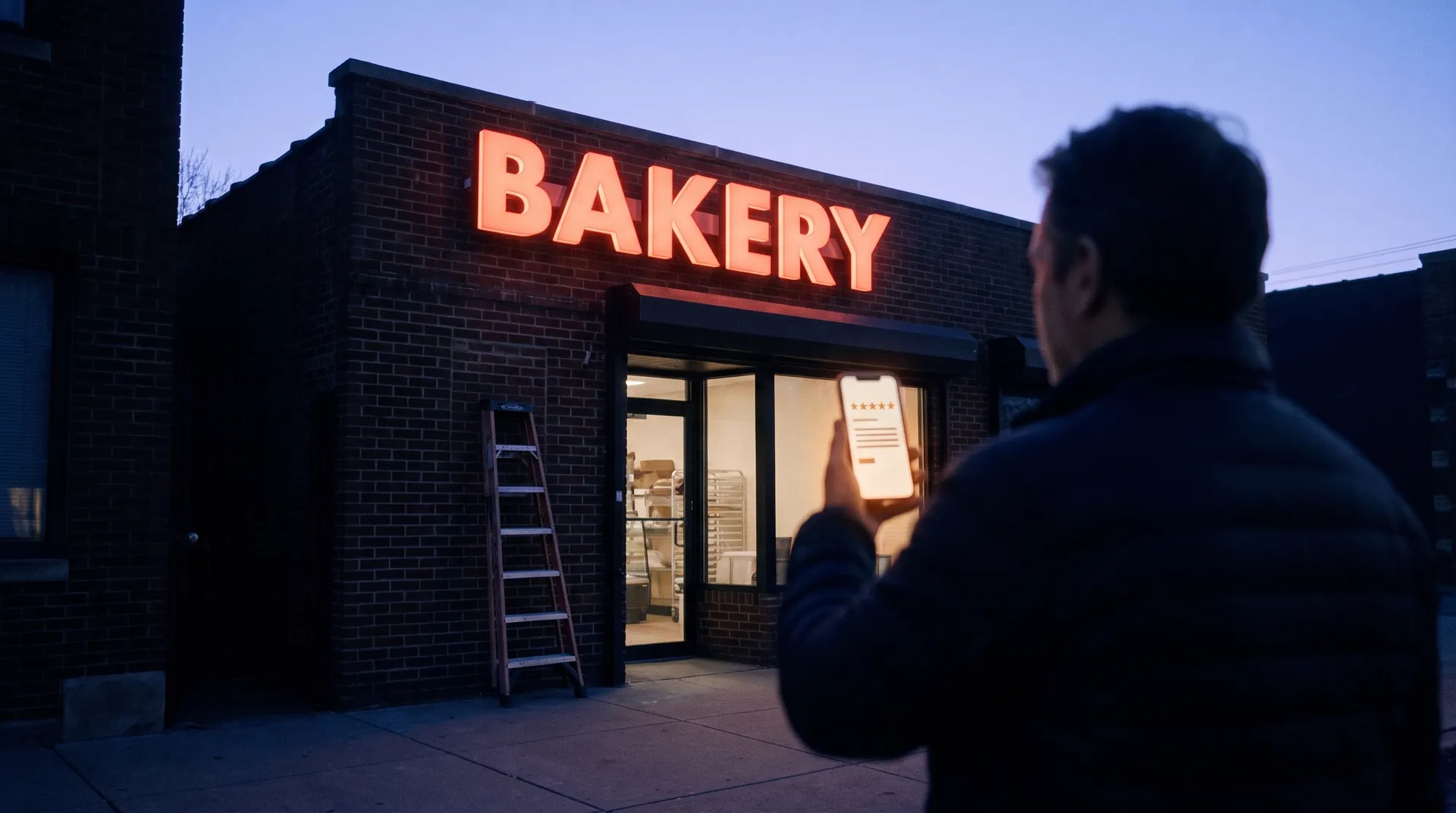
Nobody remembers to ask.
The crew finishes the install and heads to the next one. Asking for a review isn't anyone's job.
Home What we build Review requests Review requests
When a job is marked installed, the customer gets a thank-you by text or email the next day with your Google review link. If they don't click, one reminder goes out a few days later. Then it stops.
Book a free auditThe problem
The install goes well and the crew moves on to the next job. Nobody remembers to ask for a review, and the job ends without one.
We confirm each connection on the free audit.
What the system handles
The thank-you goes out by text, or by email for customers without a mobile number, after each finished install.
Each finished install sends the customer a link to leave a Google review, so reviews grow without anyone remembering to ask.
Pricing is worked out with you on a call.
Each customer's name, phone or email, job type, install date, and whether they clicked the link belong to you and are kept separate from every other shop's. The email or texting service keeps a log of each message, and the system keeps short-lived run logs while it works.
Lit cabinet sign · made-up customer
Tuesday, by texting "done"
Thanks for choosing [your shop] for your new sign. If you have a minute, a Google review helps other businesses find us. [review link]
One reminder, only if the link wasn't clicked
Nothing more goes out
Every customer gets the same message.
Example layout with a made-up customer. Not a real message from a real shop.
The crew finishes the install and heads to the next one. Asking for a review isn't anyone's job.
Days later, the customer is busy and the install is old news.
When asking depends on who remembers, it happens on a few jobs and not the rest.
01
On the free audit we go through how a request turns into a job in your shop, step by step.
02
We agree on what the system drafts and what you check before anything reaches a customer.
03
We run it on real quote requests with you watching, fix what's off, and then turn it on.
Before we build
Related articles

Free audit
Bring a few recent quote requests to a free call. We'll show you where they stalled and what we'd fix first.
You talk to the people who build it.