Home What we build Lead reactivation Lead reactivation

Turn past customers into this year's jobs.

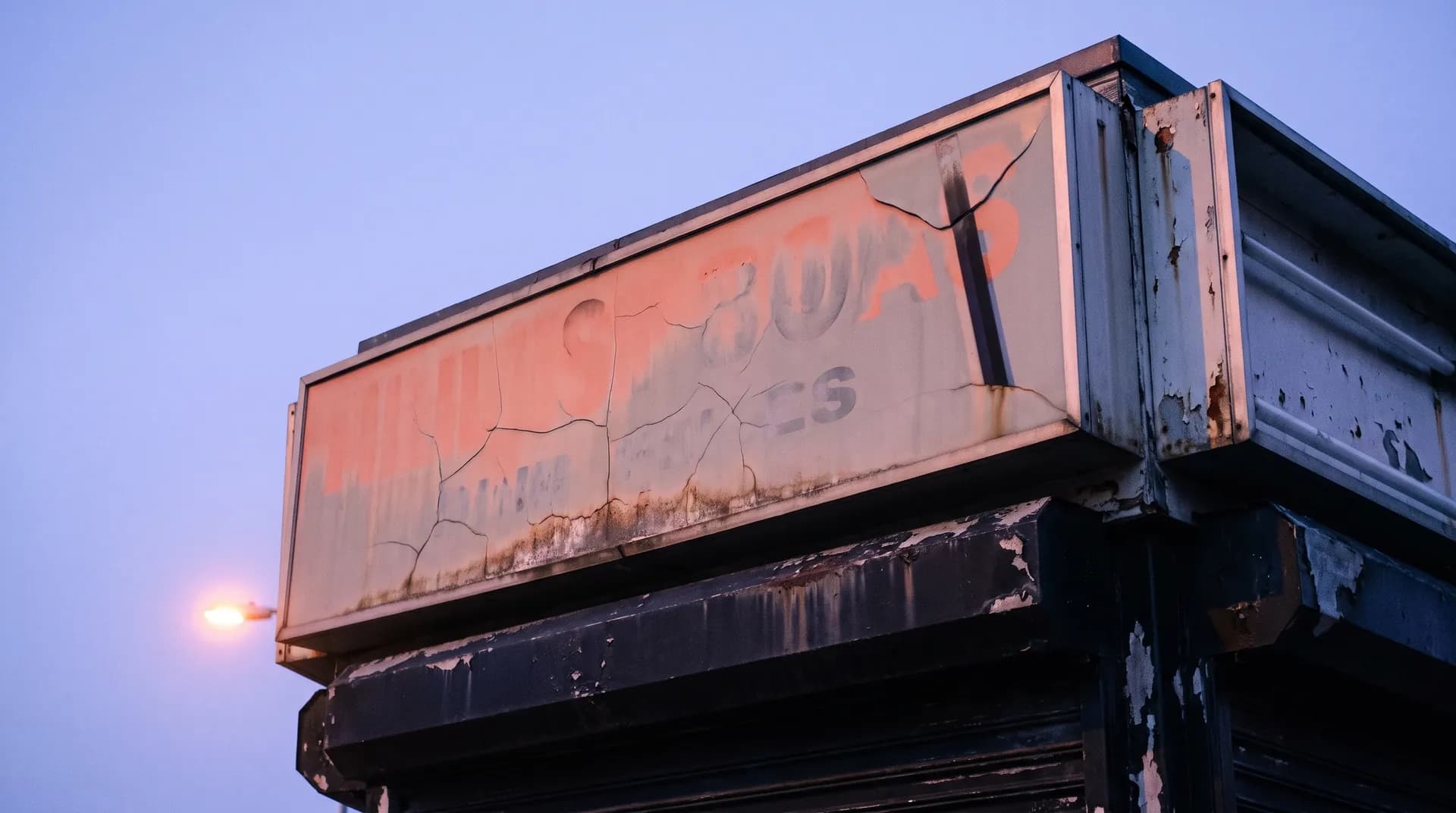
Signs fade, businesses open new locations, and brands change. The system reaches out to past customers on a schedule with a reason to talk, and passes the interested ones to you.

Book a free audit

The problem

Where repeat work slips by.

Customers you already did good work for are some of your best leads. Nobody has time to dig through years of old jobs and call each one.

Past invoicesQuickBooksShopVOXEmailText messages

We confirm each connection on the free audit.

What the system handles

  • 01Sorts past customers by job and date
  • 02Sends a message tied to the job you did for them
  • 03Passes the interested ones to you
  • 04Stops messaging anyone who asks

You approve the list and the message.

Nobody hears from the system until you've seen who's on the list and read what they'll get.

What it does for your shop

Past customers hear from your shop with a real reason: a storefront sign that's aging, an event banner that comes due every year, a second location or a rebrand. Interested replies go to you.

How it works

  1. We pull past customers from your records: QuickBooks, your shop software or a spreadsheet.
  2. We clean the list. We merge duplicates and take out opt-outs and open jobs.
  3. We group customers by the job they bought and when.
  4. The system drafts a short personal message for each customer, tied to that job.
  5. You approve the list and the messages before anything goes out.
  6. Messages go out in small daily batches, by email by default, and by text only to customers who agreed to texts.
  7. Replies get sorted. Interested ones go to you, and anyone who says "stop" goes on the opt-out list.

What you provide

  • Your past customer records
  • Which jobs tend to repeat
  • Which customers to leave out, or call yourself
  • Your OK on the list and every message

Setup and upkeep (our estimate)

  • We set the timeline with you on the call. List cleanup depends on how messy your records are.
  • It runs as campaigns, about 2 to 4 hours per campaign

Pricing is worked out with you on a call.

Where your customers' data lives

Past customers' names, contact details, job history and job addresses belong to you and are kept separate from every other shop's. Your original records stay in QuickBooks or your shop software. The system reads each customer's job history to write their message. Emails go from your own inbox, the texting service keeps a log of each text, and the system keeps short-lived run logs while it works.

What a past customer getsExample

Draft message

Dental office sign · made-up customer

  1. Past job

    Storefront sign, put up five years ago

  2. Group

    Storefront signs four or more years old

  3. Draft message

    Hi Lisa, it's [your shop]. We put up the sign at Hillside Dental a few years back. If it's fading, or you're adding a location, we'd be glad to take a look.

  4. Sent by

    Email, after you approve the list and the message

  5. If Lisa replies

    The reply goes to you as interested

Nothing goes out until you approve the list and the messages.

Example layout with a made-up customer. Not a real customer or a real message.

Where past customers drift off.

Old jobs sit in old records.

Your past customers are in QuickBooks, your shop software or a spreadsheet, and nobody has time to dig through them.

Nobody has time to call.

Calling each past customer one by one never makes it onto the schedule.

The reason to reach out goes unnoticed.

A sign starts to fade, or a customer opens a second location or rebrands, and nobody at your shop knows to reach out.

How we set it up

Start small.
Check the work.

See the full process

01

Map how you work today.

On the free audit we go through how a request turns into a job in your shop, step by step.

02

Set the approval steps.

We agree on what the system drafts and what you check before anything reaches a customer.

03

Test on real requests.

We run it on real quote requests with you watching, fix what's off, and then turn it on.

How it works in your shop

  • A real reason to reach out.A note about a storefront sign that went up five years ago reads differently from a generic sale. Each message is built around the job you did.
  • Timed to the work.Event banners come back around every year. Storefront signs come up when a business moves, rebrands or opens a second spot.
  • Replies you can count.You see who replied and which replies turned into quotes, so you know whether it's worth running again.

Before we build

Your questions,
answered.

Will this annoy our old customers?

Each customer gets a few messages at most, each tied to work you did for them, and anyone can opt out.

Where does the customer list come from?

Your own records: invoices, your shop software or a spreadsheet. Your email, calendar, payments and books stay in your own accounts. Our system moves the details between them, and we delete what we hold when you leave.

How is it priced?

We price it after the free audit, once we know how many past customers you have and how you'd like to reach them.

Do the messages go by text or email?

Email by default. Texts go only to customers who agreed to get texts from you.

Can we leave some customers off?

Yes. Tell us who to leave out, or who you'd rather call yourself. We also take out open jobs and anyone who opted out.

What if our records are a mess?

We clean the list first, merging duplicates and taking out opt-outs. Messier records take longer to clean, and we tell you how long before we start.

Related articles

A closer look at the work.