
The next job takes over.
You send the quote and get busy.
Home What we build Quote follow-up Quote follow-up
After a quote goes out, the customer gets a check-in on day 2, day 5 and day 10. Once they answer yes or no, the check-ins stop and you know where the job stands.
Book a free auditThe problem
You send the quote and get busy. A week later you can't remember who you were waiting on, and calling now feels awkward.
We confirm each connection on the free audit.
What the system handles
Change the days, change the wording, or skip follow-ups for a customer you'd rather call yourself.
After a quote goes out, the customer gets a short check-in on day 2, day 5 and day 10 until they say yes or no. You see every open quote in one list and learn why quotes are lost.
Pricing is worked out with you on a call.
Open quotes, replies and the reasons customers give for saying no belong to you and are kept separate from every other shop's. The texting service keeps a log of each text, and emails stay in your own inbox. The system writes the check-ins and sorts the replies. The system keeps short-lived run logs while it works.
Monument sign · made-up customer
Monday, by email
Hi Dan, it's [your shop] about the monument sign quote. Happy to answer any questions.
Goes out only if Dan hasn't replied
Is the monument sign still on, or should we close it out for now?
Marked cold and listed in your morning email
Any reply pauses the check-ins and comes straight to you.
Example layout with a made-up customer. Not a real quote or a real message.
You send the quote and get busy.
A week later you can't remember who you were waiting on, and calling now feels awkward.
When a quote never gets an answer, you don't learn whether price or timing lost it.
01
On the free audit we go through how a request turns into a job in your shop, step by step.
02
We agree on what the system drafts and what you check before anything reaches a customer.
03
We run it on real quote requests with you watching, fix what's off, and then turn it on.
Before we build
Related articles
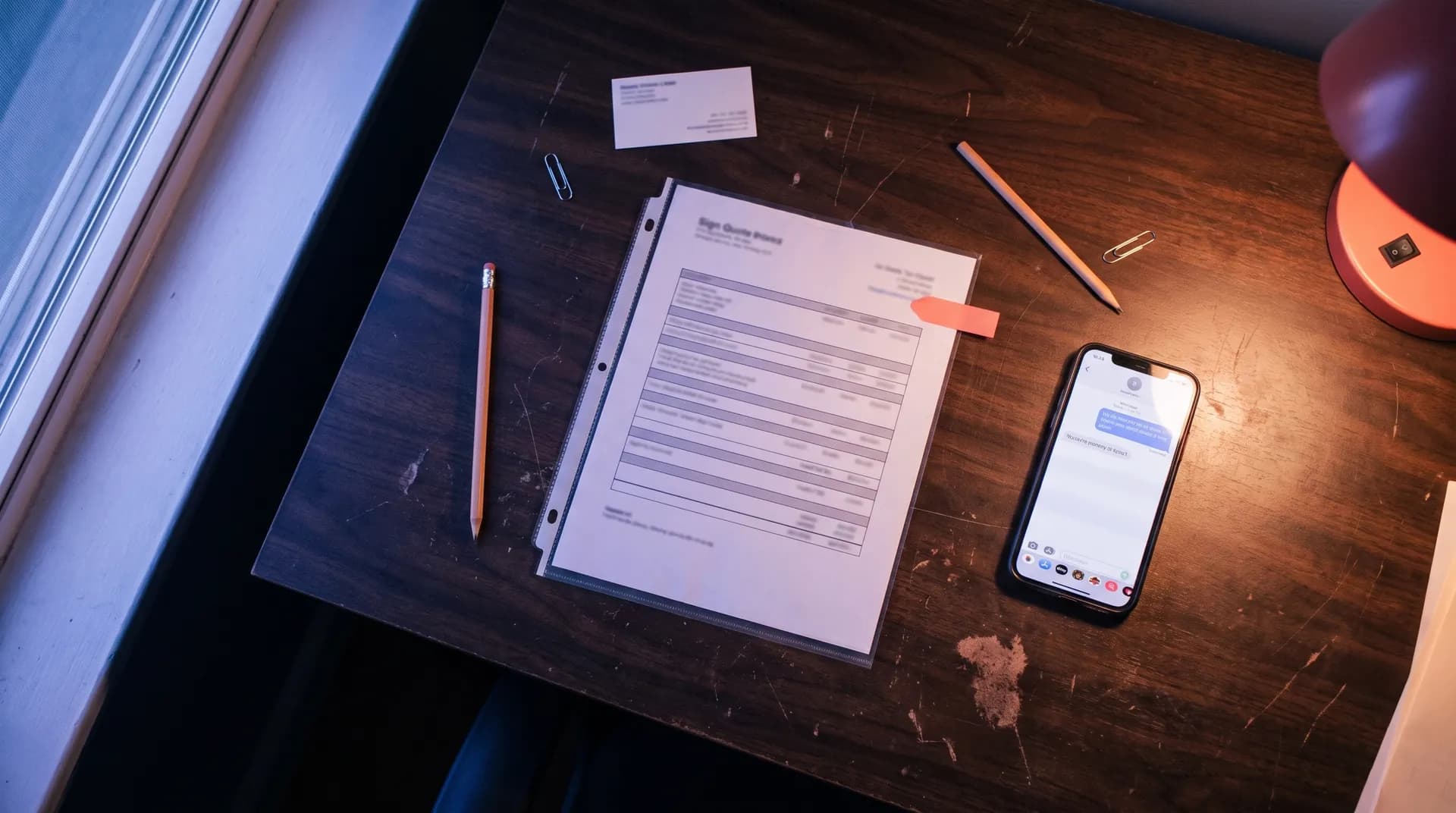
Follow-up
Quiet quotes come up less often than people assume. When one does go quiet, a short, polite check-in beats waiting and wondering.

Quoting
Owners on sign forums say the slow part of quoting is getting details out of the customer. Asking the right questions up front cuts the back-and-forth.
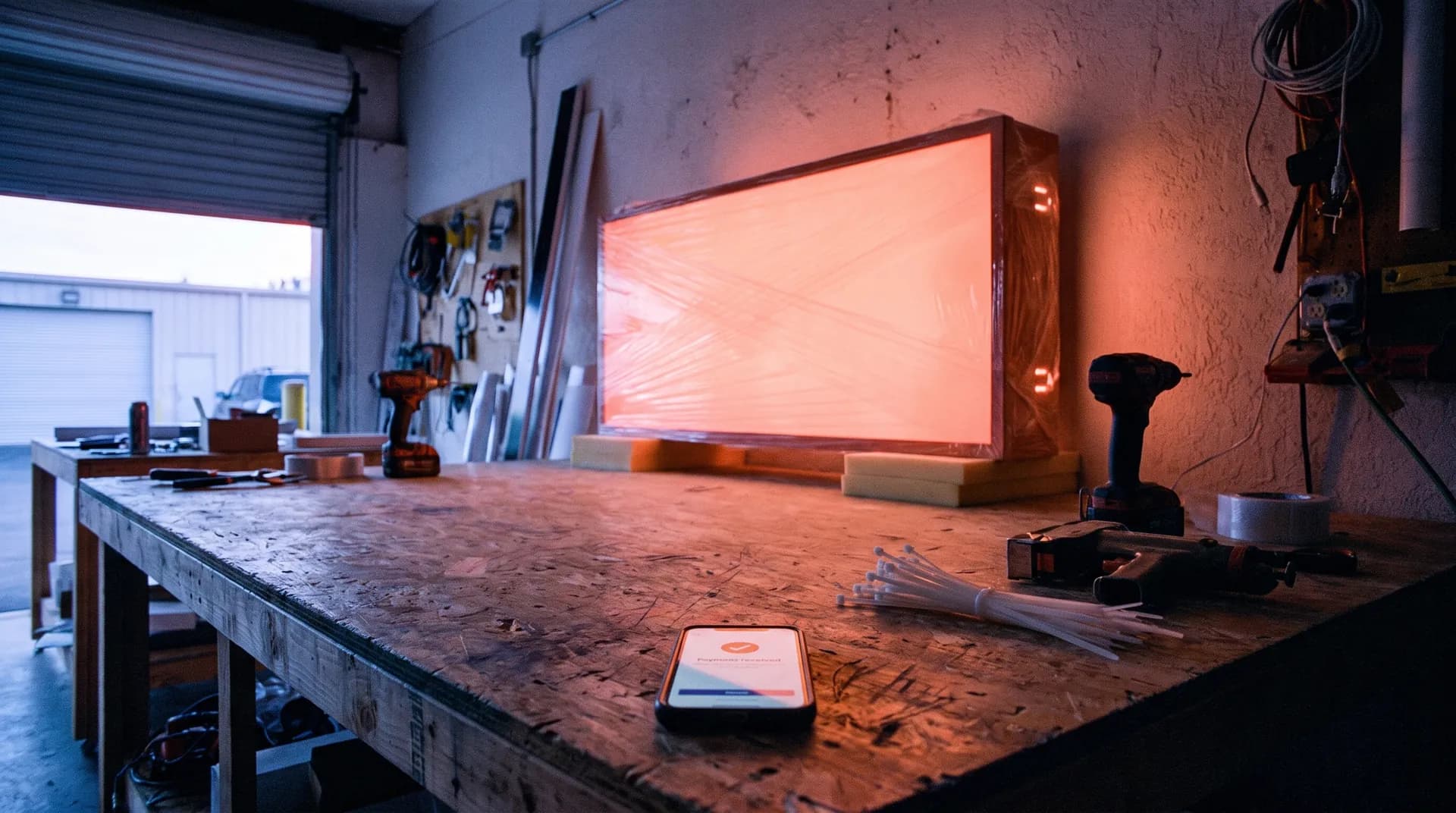
Getting paid
Chasing payment after the install is slow and awkward. A payment link with every quote and reminders on a schedule take most of the chasing off your plate.

Free audit
Bring a few recent quote requests to a free call. We'll show you where they stalled and what we'd fix first.
You talk to the people who build it.