
Leads are everywhere.
They sit in email, texts, voicemail and sticky notes.
Home What we build Shop CRM Shop CRM
Every request lands in one place and moves from New to Quoted to Paid. Deposit links, invoices and payment reminders go out from the same board, and a morning email tells you what's late.
Book a free auditThe problem
Leads sit in email, texts, voicemail and sticky notes. Jobs live in your head. When something slips, you hear about it from an unhappy customer.
We confirm each connection on the free audit.
What the system handles
If you run ShopVOX or something like it, we build the board around it and leave your pricing and production setup alone.
Every lead and job on one board, from New to Paid. Deposit links go out with approved quotes, invoices and payment reminders follow the job, and a morning email lists what's late.
Pricing is worked out with you on a call.
Leads, jobs, install dates, amounts and payment status belong to you and are kept separate from every other shop's. Payments run through your own Stripe or QuickBooks account, and we never see card numbers. Emails stay in your own inbox. The system keeps short-lived run logs while it works.
Tuesday · made-up jobs
3. Oldest: banners for a school fundraiser, out 8 days
1. Window lettering at a hair salon, install was due Monday
2. One reminder went out yesterday
1. Voicemail from last night about a yard sign order
It lands every weekday morning.
Example layout with made-up jobs. Not a real shop's board.
They sit in email, texts, voicemail and sticky notes.
When something slips, you hear about it from an unhappy customer.
Deposits and invoices wait until someone remembers, and you end up chasing checks after the install.
01
On the free audit we go through how a request turns into a job in your shop, step by step.
02
We agree on what the system drafts and what you check before anything reaches a customer.
03
We run it on real quote requests with you watching, fix what's off, and then turn it on.
Before we build
Related articles
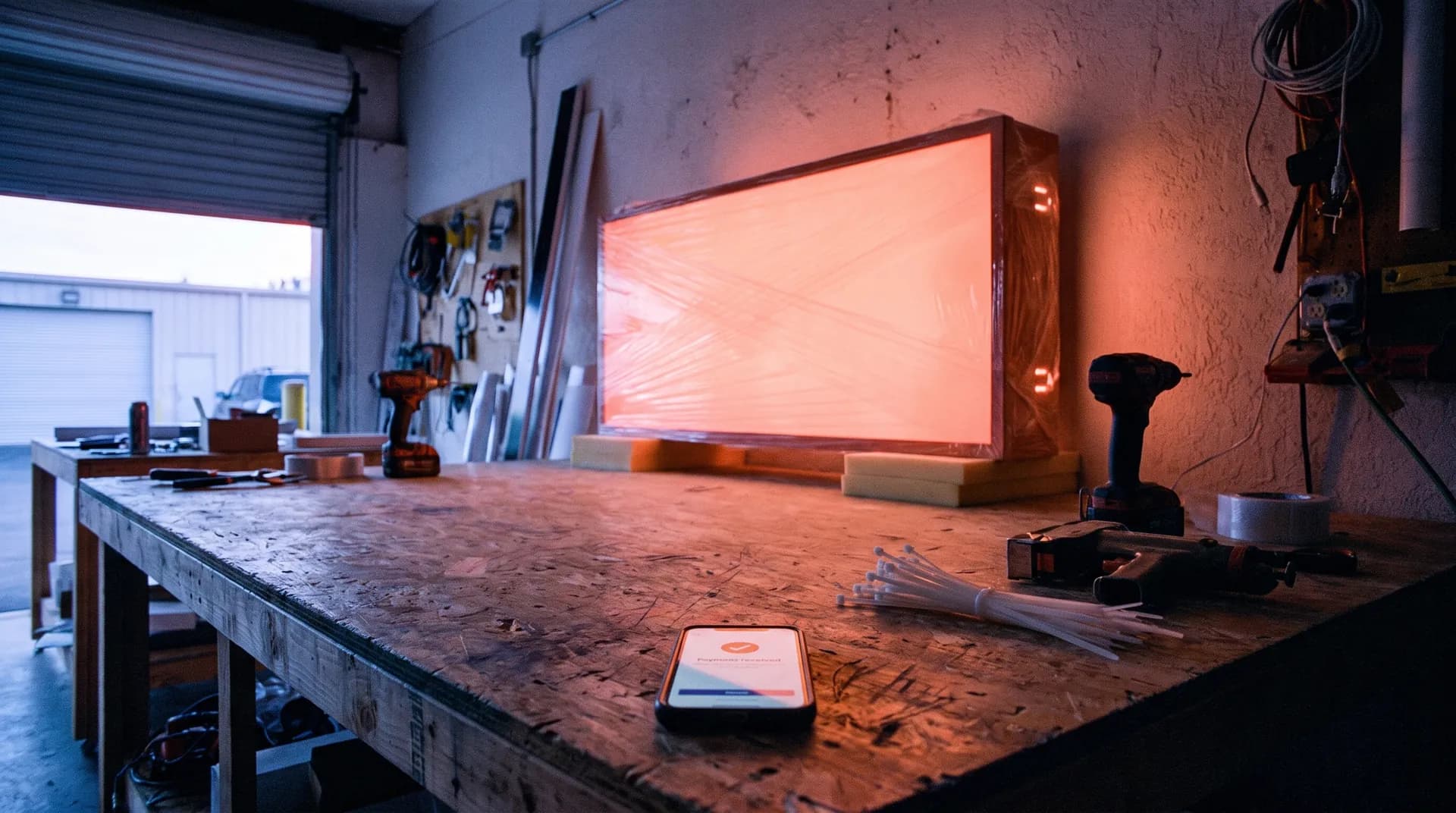
Getting paid
Chasing payment after the install is slow and awkward. A payment link with every quote and reminders on a schedule take most of the chasing off your plate.

Job tracking
Jobs slip through whiteboards, texts and three different apps. You can keep one board current without replacing the shop software you already pay for.
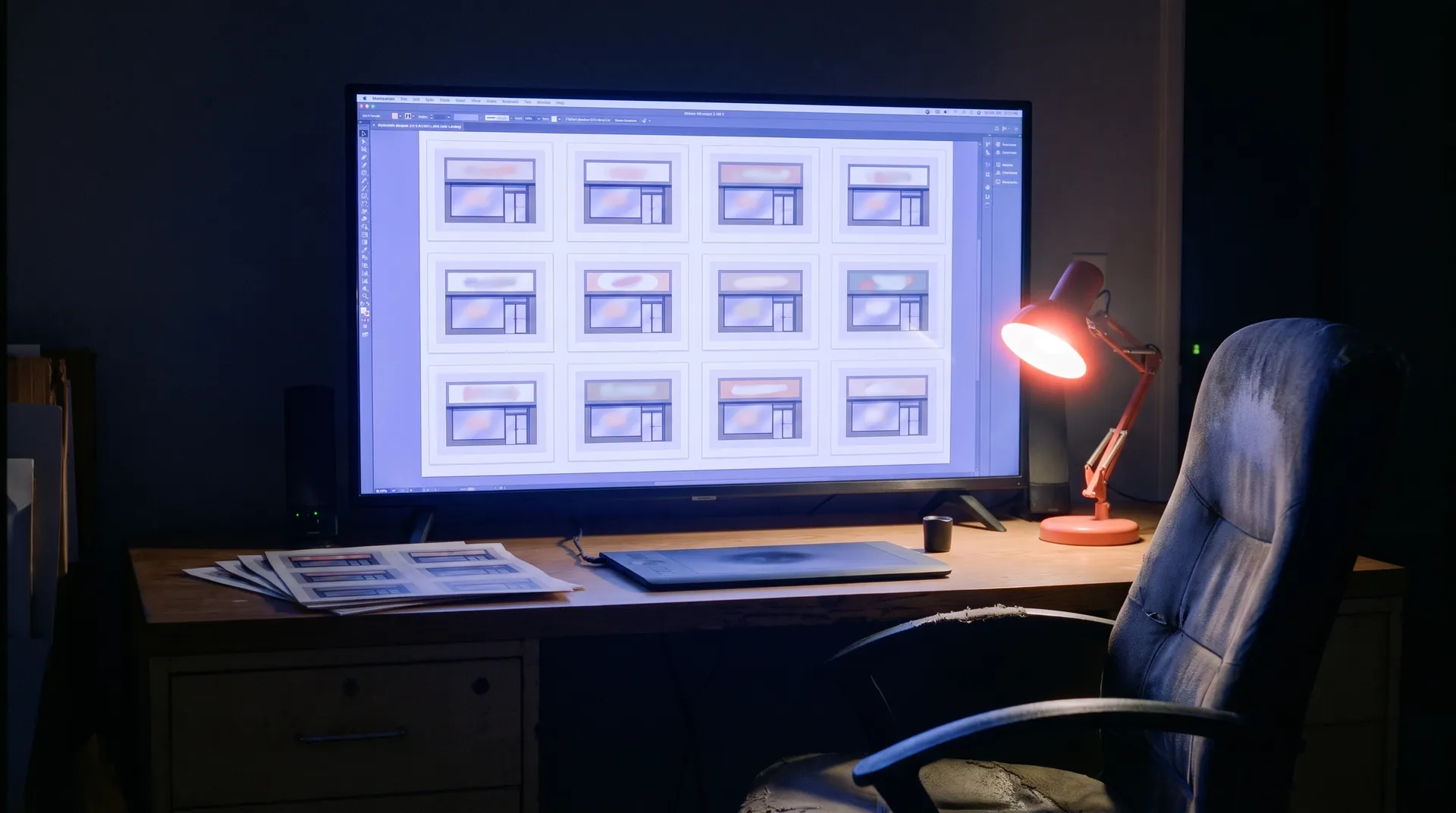
Design time
Rounds of changes before any money comes in eat designer hours. One way to handle it is a rough look up front and a deposit before real design work starts.

Free audit
Bring a few recent quote requests to a free call. We'll show you where they stalled and what we'd fix first.
You talk to the people who build it.