Home Articles Keeping track of every job without switching shop software Job tracking
Keeping track of every job without switching shop software
Jobs slip through whiteboards, texts and three different apps. You can keep one board current without replacing the shop software you already pay for.
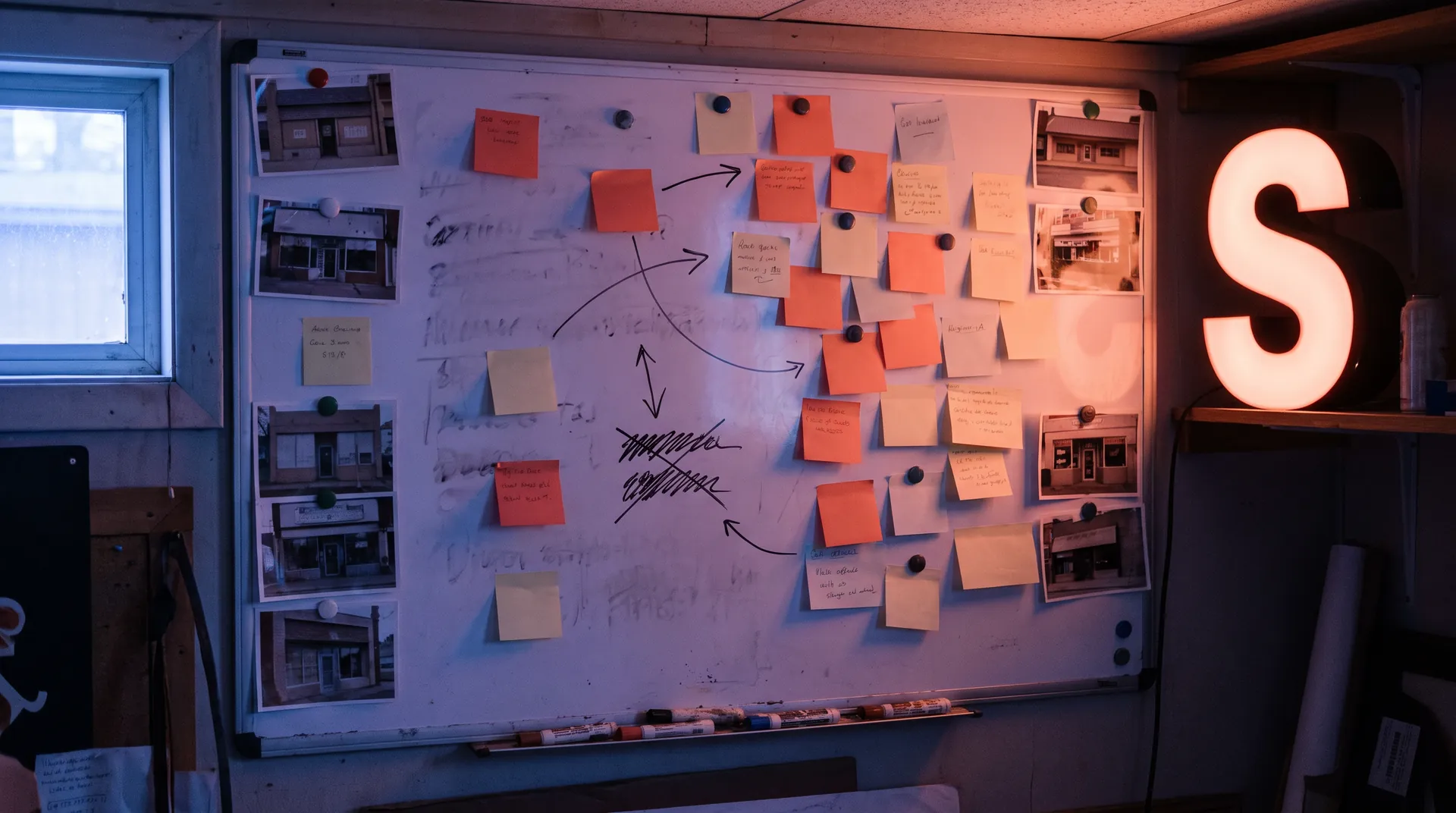
Job tracking
Where jobs get lost
A job starts as a phone call. The details go on a sticky note. The quote goes out by email, the customer approves by text, and the deposit shows up in your bank app. The art is in a folder on one computer. The work order is printed, and by Thursday it is under something on a bench.
None of those places is wrong. The trouble is that no single place has the whole job. When someone asks "where are we on the Hendricks storefront sign?" the answer takes three searches and a phone call.
Sign forums are full of this. Job tracking and shop software is one of the larger topics, with more than fifty threads on one forum alone. One owner wrote, "Efficiently writing up orders and tracking them is definitely one of the more challenging parts of our business." Another was looking for "a better process than having hundreds of work orders printed out and scattered around the shop." A third described the system he already had: "You write it down, keep it in a manila folder while it is in process."
Some shops are small enough that this works. Owners of two- and three-person shops often say paper is enough, and if that is you, keep it. The trouble starts when more than one person touches a job, or when you take on more jobs than you can hold in your head.
Why switching software is the hard part
The obvious answer is better shop software. The owners who have tried it say that is where the real work begins.
Price is the first problem. One owner on a sign forum said his monthly price "nearly doubled" and that he could not justify the cost for a small shop. Prices change after you are already inside the system, and by then you are locked in.
Then there is the crew. The install team needs to read the new screens in a truck. The office needs the quote screen to match how they actually quote. Retraining means a stretch of slower work, and in busy season nobody has that to spare.
Then there is the history. Years of old jobs hold the sizes, colors and notes you will need the next time that customer calls. Another owner found that exporting from his old system did not carry over the line items and notes from his quotes. A shop on a forum summed up the cycle: "We keep outgrowing the capabilities of the softwares which is why we keep moving."
Owners also push back on the idea that software is the answer. One wrote, "So any software or other system just creates extra work." If you already pay for shop software that handles production, the sensible question is whether you really need to replace it, or whether you only need a clear view across it.
One board for every stage
Whatever you use underneath, a single board answers most of the daily questions. Each job is a card. Each card sits in exactly one column. The columns follow the path every job takes: quote, deposit, production, install, invoice.
A card shows the customer, the job, the next step, and who owns it. A glance tells you which quotes are waiting on a customer, which jobs are waiting on a deposit, what is in production this week, and which installs are scheduled. Open invoices sit on the same board, so a finished job that has not been paid does not vanish.
You can build this today with a whiteboard or a spreadsheet. It works if one person owns keeping it current. It breaks when that person is on a ladder.
If you already run shop software for production, keep production there. A second place for the same jobs is how the two systems drift apart. The board in front of it can cover the stretch before production starts, from the first inquiry through the approved quote, and hand the won job to your software. One place tracks production. Never two.
Let the board keep itself current
The weakness of any board is the same: someone has to move the cards. When that person is busy, the board gets stale, and when the board is stale, people stop looking at it.
The fix is to let events move the cards. A customer approves the quote, and the card moves. The deposit payment comes in, and the card moves to production. The job is marked installed, and the invoice goes out. A customer replies to a message, and the card shows that it needs you.
That removes most of the typing. Nobody on the crew has to update anything after the fact, so the board is right more often than a hand-kept one.
A short morning summary helps too. One list of what is late, what is waiting on a customer, and what is due this week gives the day a starting point before the phones start.
Winton Consulting's Shop CRM does this, and it sits in front of the shop software you already use rather than replacing it. Leads and quotes come in, cards move on their own as payments and replies arrive, and a won job goes on to your production system.
Put the ideas to work.
Keep reading
More articles.

Quoting
Getting every detail for a sign quote on the first try
Owners on sign forums say the slow part of quoting is getting details out of the customer. Asking the right questions up front cuts the back-and-forth.
Design time
Limiting free design work before the deposit
Rounds of changes before any money comes in eat designer hours. One way to handle it is a rough look up front and a deposit before real design work starts.
Getting paid
Deposits and payment reminders for sign jobs
Chasing payment after the install is slow and awkward. A payment link with every quote and reminders on a schedule take most of the chasing off your plate.