Home What we build Sign visualizer Sign visualizer

Let customers see it on their building before they commit.

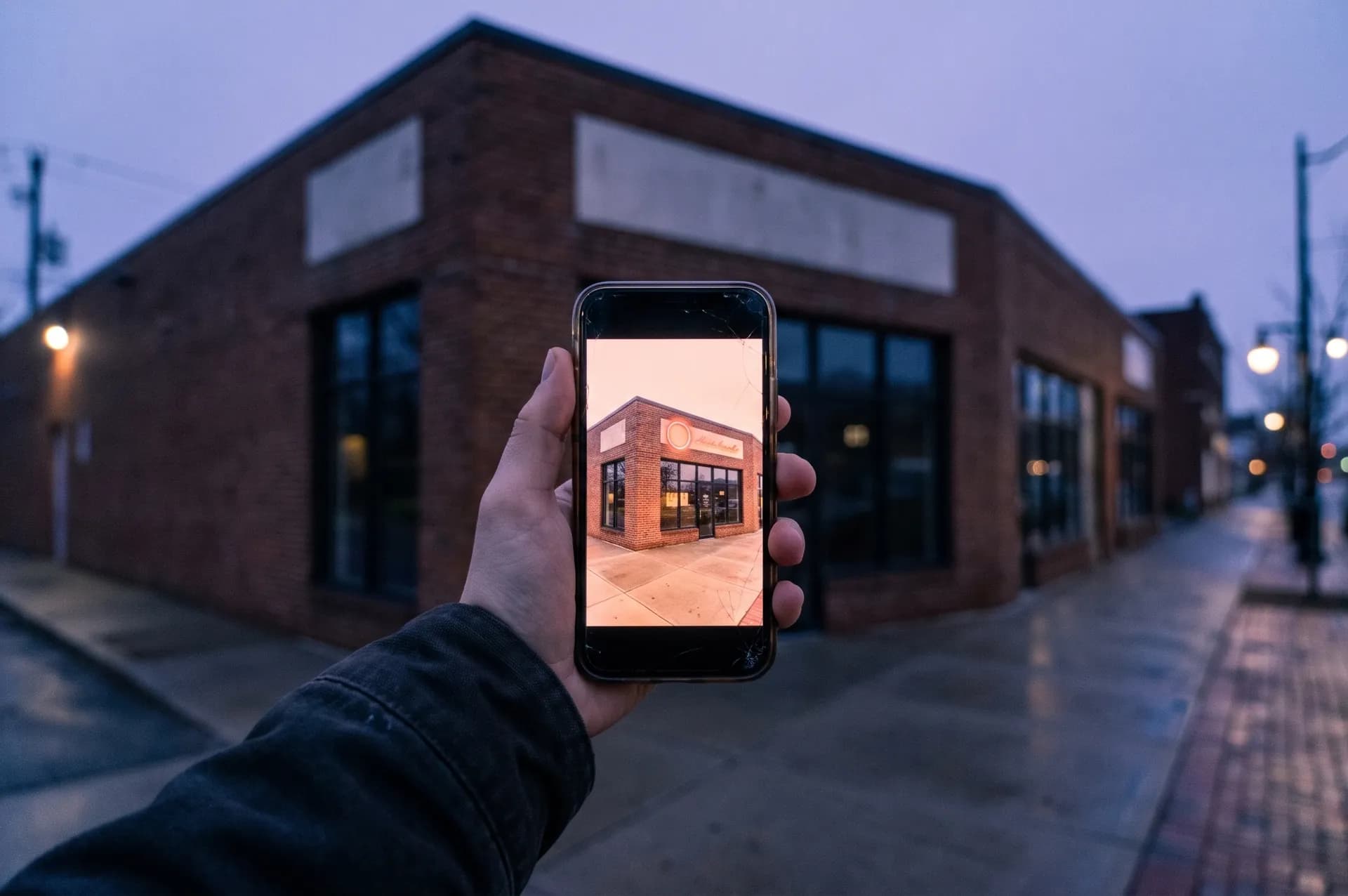
On the quote form, the customer uploads a photo of their building and their logo, then drags and sizes the logo on the wall. The saved preview comes with the quote request, so fewer requests turn into free mockups before a deposit.

Book a free audit
REVIEW: Live sign visualizer demo goes here. Jackson is building it (build ASAP).

The problem

Where designer hours go before a deposit.

A customer wants to see the sign on their building before they commit. Someone in your shop makes a mockup, then another, and no deposit has come in yet.

Your websiteYour quote formCustomer photos

We confirm each connection on the free audit.

What the system handles

  • 01Lets customers place their logo on a photo of their building
  • 02Attaches the saved preview to the quote request
  • 03Stamps every preview "Preview only. Not to scale. Not a design proof."
  • 04Needs nothing from you beyond the quote form

It stays a preview.

Every saved preview is stamped "Preview only. Not to scale. Not a design proof." Your proofs and final designs still come from your shop.

What it does for your shop

Your customer previews the sign on a photo of their own building. It cuts down free mockup work before a deposit.

How it works

  1. On the quote form, the customer uploads a photo of the building and their logo.
  2. They drag and size the logo on the wall in the browser.
  3. They save the preview, which attaches to their quote request.
  4. The preview is stamped "Preview only. Not to scale. Not a design proof."

What you provide

  • Nothing beyond the quote form
  • Optional: your logo, to brand the page

Setup and upkeep (our estimate)

  • We set the timeline with you on the call.
  • Almost none

Pricing is worked out with you on a call.

Where your customers' data lives

Building photos, logo files and saved previews belong to you and are kept separate from every other shop's.

What the customer savesExample

Saved preview

Bakery storefront · made-up customer

  1. Building photo

    Front of the shop, taken on the customer's phone

  2. Logo

    Placed above the door and sized by the customer

  3. Attached to

    Their quote request for a lit sign

  4. Stamp

    Preview only. Not to scale. Not a design proof.

You see the preview when you open the request.

Example layout with a made-up customer. Not a real request or a real design.

How a preview request turns into free work.

The customer wants to see it first.

Before they commit, they ask what the sign will look like on their building.

Mockups come before money.

Someone in the shop builds a mockup, and no deposit has come in yet.

One change leads to another.

Then they ask for one more change, then another. None of it is billed.

How we set it up

Start small.
Check the work.

See the full process

01

Map how you work today.

On the free audit we go through how a request turns into a job in your shop, step by step.

02

Set the approval steps.

We agree on what the system drafts and what you check before anything reaches a customer.

03

Test on real requests.

We run it on real quote requests with you watching, fix what's off, and then turn it on.

How it works in your shop

  • Drag, size, save.The customer drags their logo onto the wall in the browser, sizes it, and saves. There's nothing to download.
  • The preview comes with the request.The saved image attaches to the quote request, so you see what the customer has in mind when you open it.
  • Fewer free mockups before a deposit.Customers who want a quick look before they commit get one without your designer's time.

Before we build

Your questions,
answered.

Is this design work?

No. The customer places their own logo on their own photo. Every preview is stamped "Preview only. Not to scale. Not a design proof."

Do we need a quote form for this?

Yes. The visualizer runs on the quote form, which comes with quoting automation or a custom website.

What do you need from us?

Nothing beyond the quote form. If you like, send your logo and we'll brand the page with it.

Where do the photos go?

Building photos, logos and saved previews belong to you and are kept separate from every other shop's.

Related articles

A closer look at the work.